
Trilium Notes
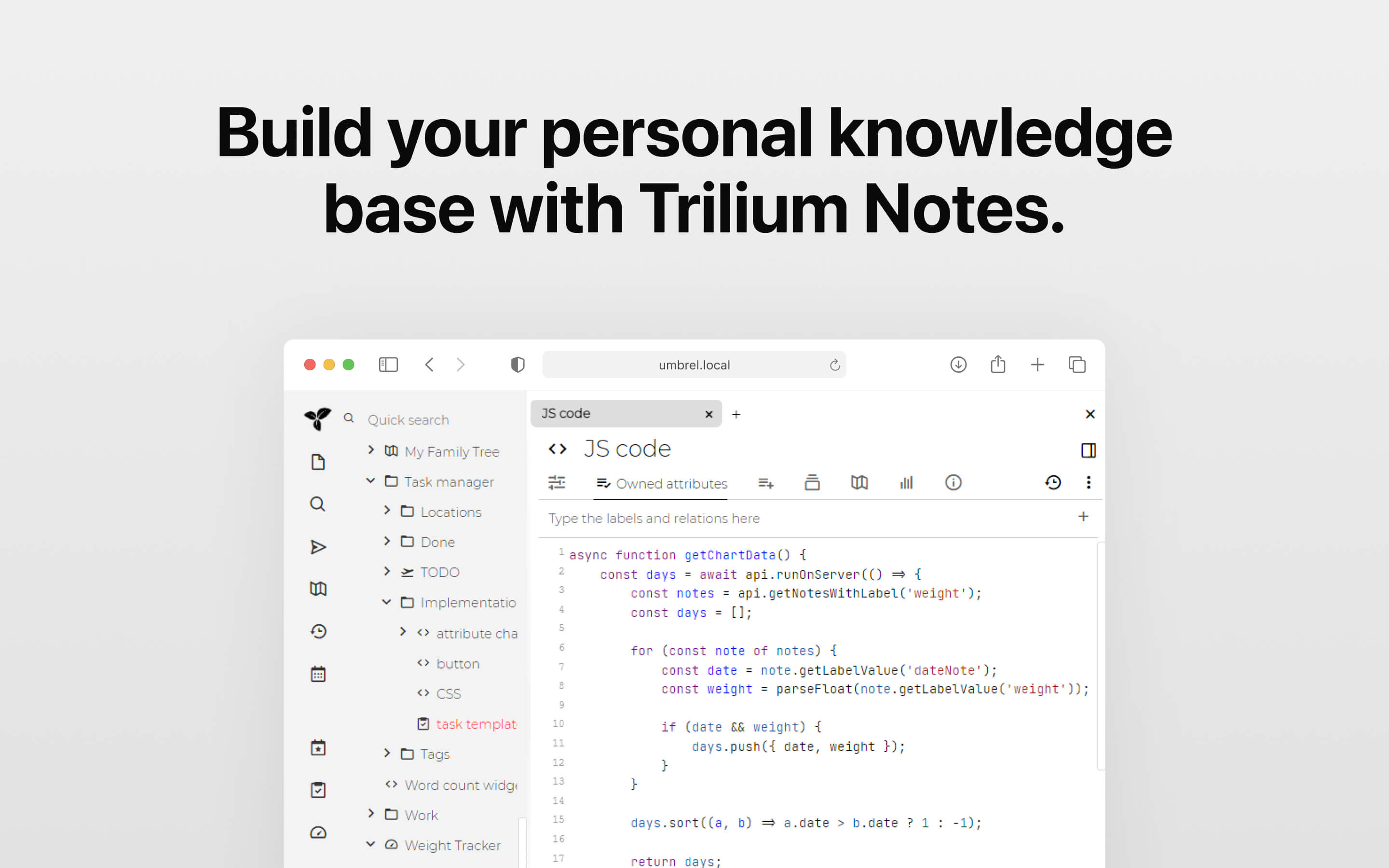
Build your personal knowledge base with Trilium Notes
Screenshots
About
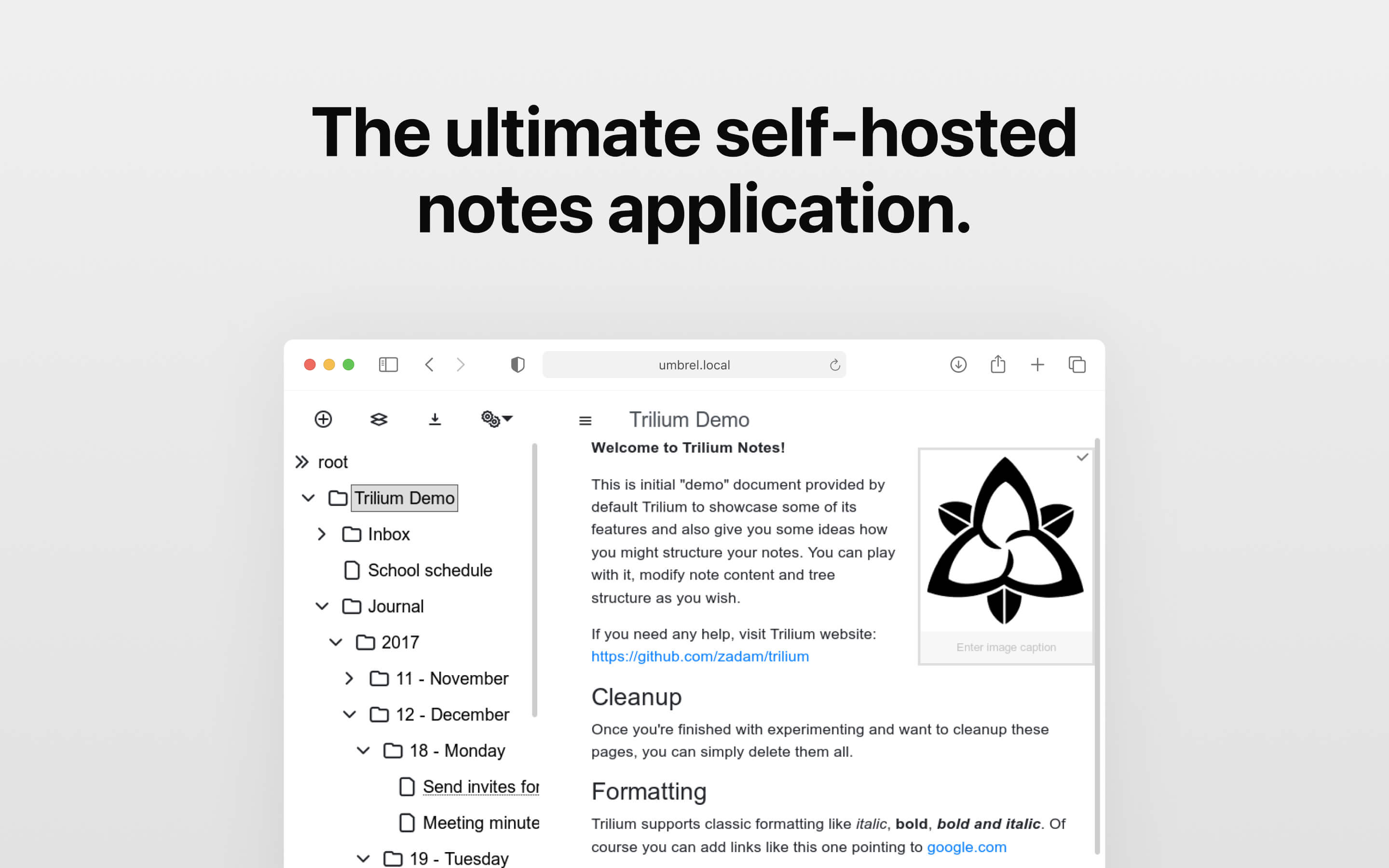
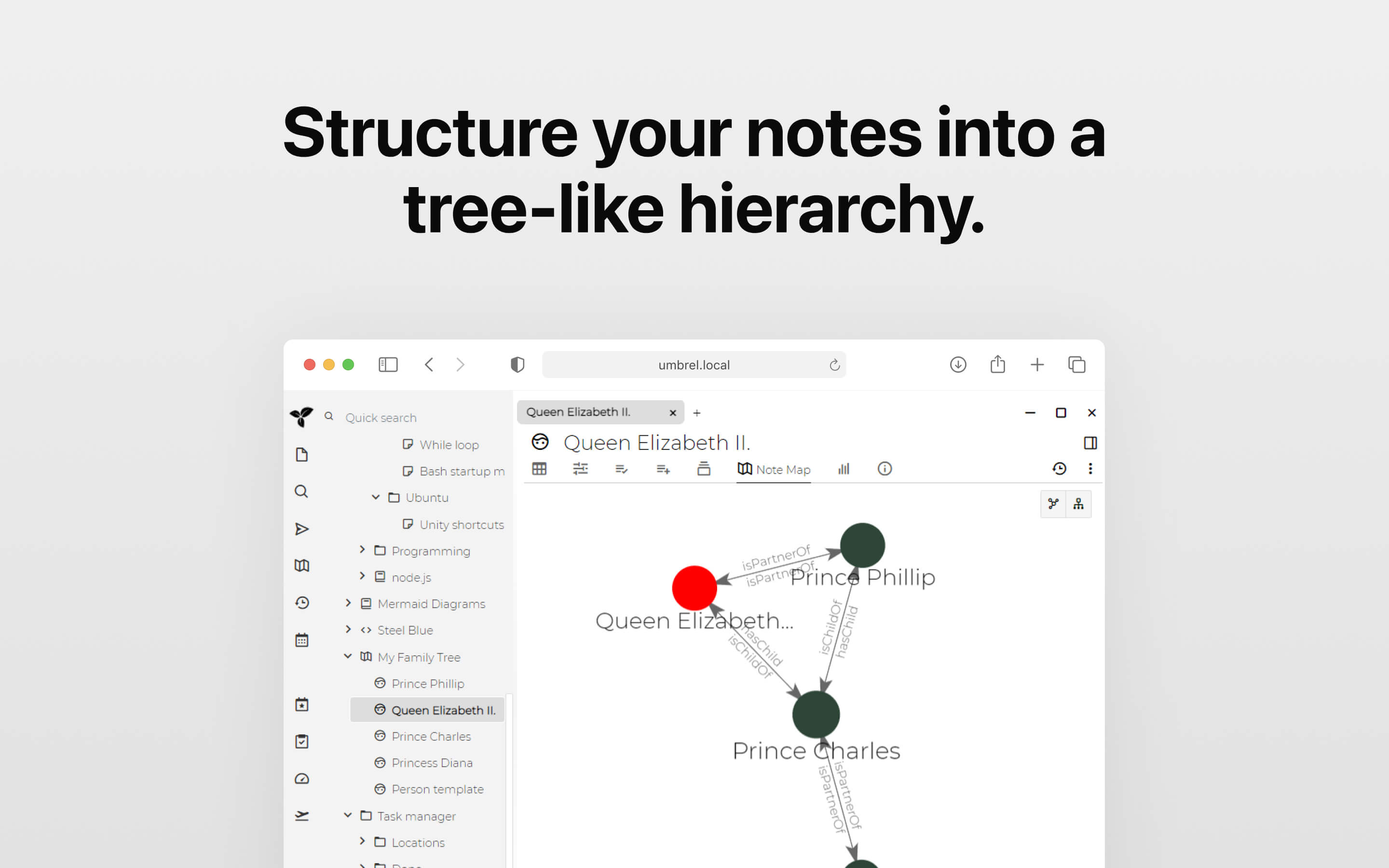
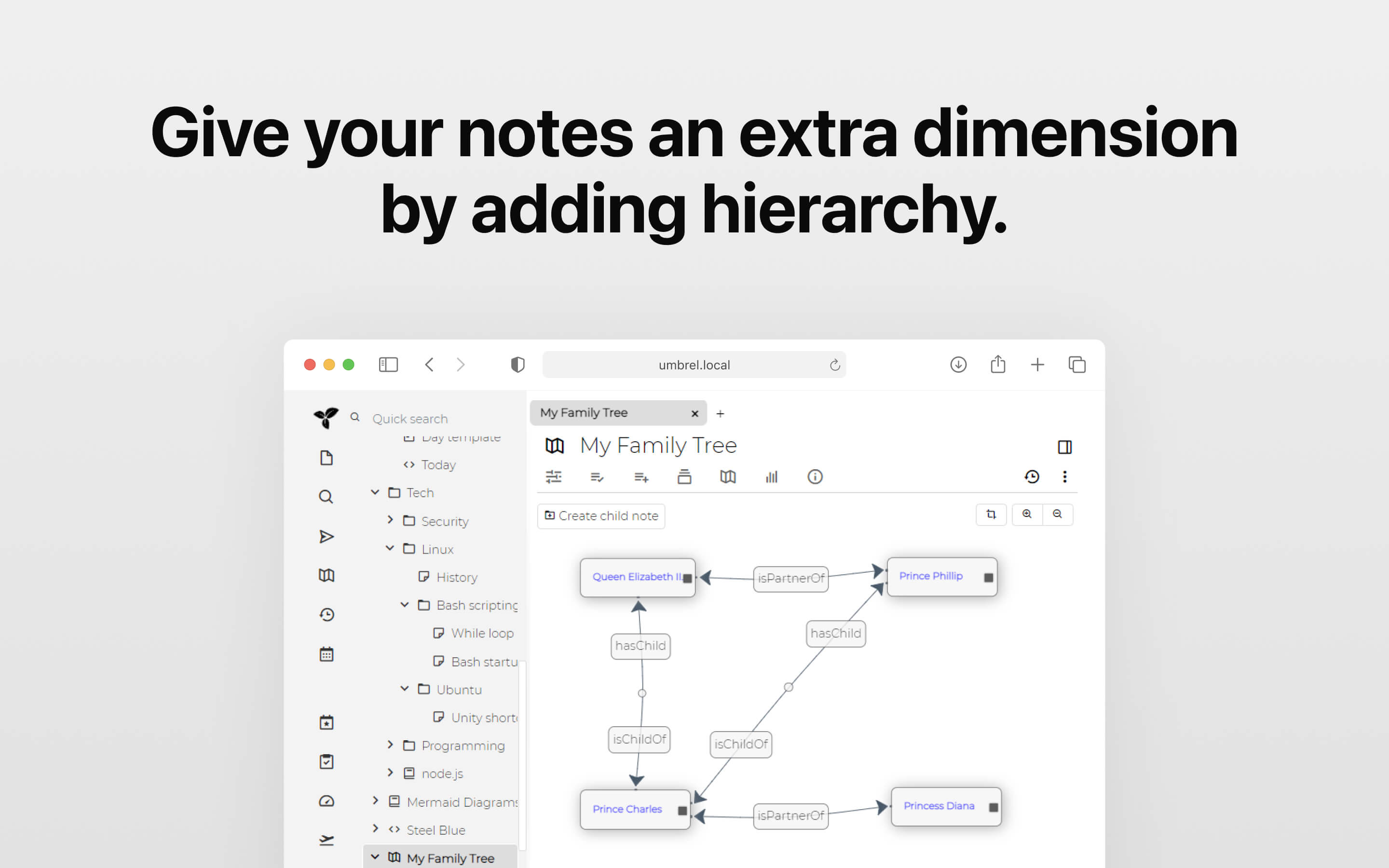
Features - Notes can be arranged into arbitrarily deep tree. Single note can be placed into multiple places in the tree (see cloning) - Rich WYSIWYG note editing including e.g. tables, images and math with markdown autoformat - Support for editing notes with source code, including syntax highlighting - Fast and easy navigation between notes, full text search and note hoisting - Seamless note versioning - Note attributes can be used for note organization, querying and advanced scripting - Synchronization with self-hosted sync server (there's a 3rd party service for hosting synchronisation server) - Sharing (publishing) notes to public internet - Strong note encryption with per-note granularity - Sketching diagrams with bult-in Excalidraw (note type "canvas") - Relation maps and link maps for visualizing notes and their relations - Scripting - see Advanced showcases - REST API for automation - Scales well in both usability and performance upwards of 100 000 notes - Touch optimized mobile frontend for smartphones and tablets - Night theme - Evernote and Markdown import & export - Web Clipper for easy saving of web content
Release Notes
Key highlights in this release: - Note colors can now be changed directly from the tree view - Multiple collection types can now be printed or exported to PDF, including list and table collections - Board view now displays the number of items in each column and supports promoted attributes - Mobile now has basic support for vertical splits - Calendar events have a new design that better supports colors Improvements: - Mind map and canvas notes now support read-only mode - Render notes are now searchable - Format brush feature added for copying text formatting - Calendar can now be locked to a specific date - Completed to-do items now have strike-through formatting - Text editor, canvas, and mindmap notes now respect user language settings - Mobile context menus are bigger and easier to use Bug fixes: - Fixed advanced search returning incorrect results - Fixed file protocol not working on Linux - Fixed various issues with the share functionality - Fixed printing and PDF export issues - Fixed promoted attributes not reacting to changes - Fixed focus issues within split panes - Fixed calendar text color readability issues Full release notes are available at https://github.com/TriliumNext/Trilium/releases