
Super Productivity
An efficient way to manage tasks, time, and projects all in one place
Screenshots
About
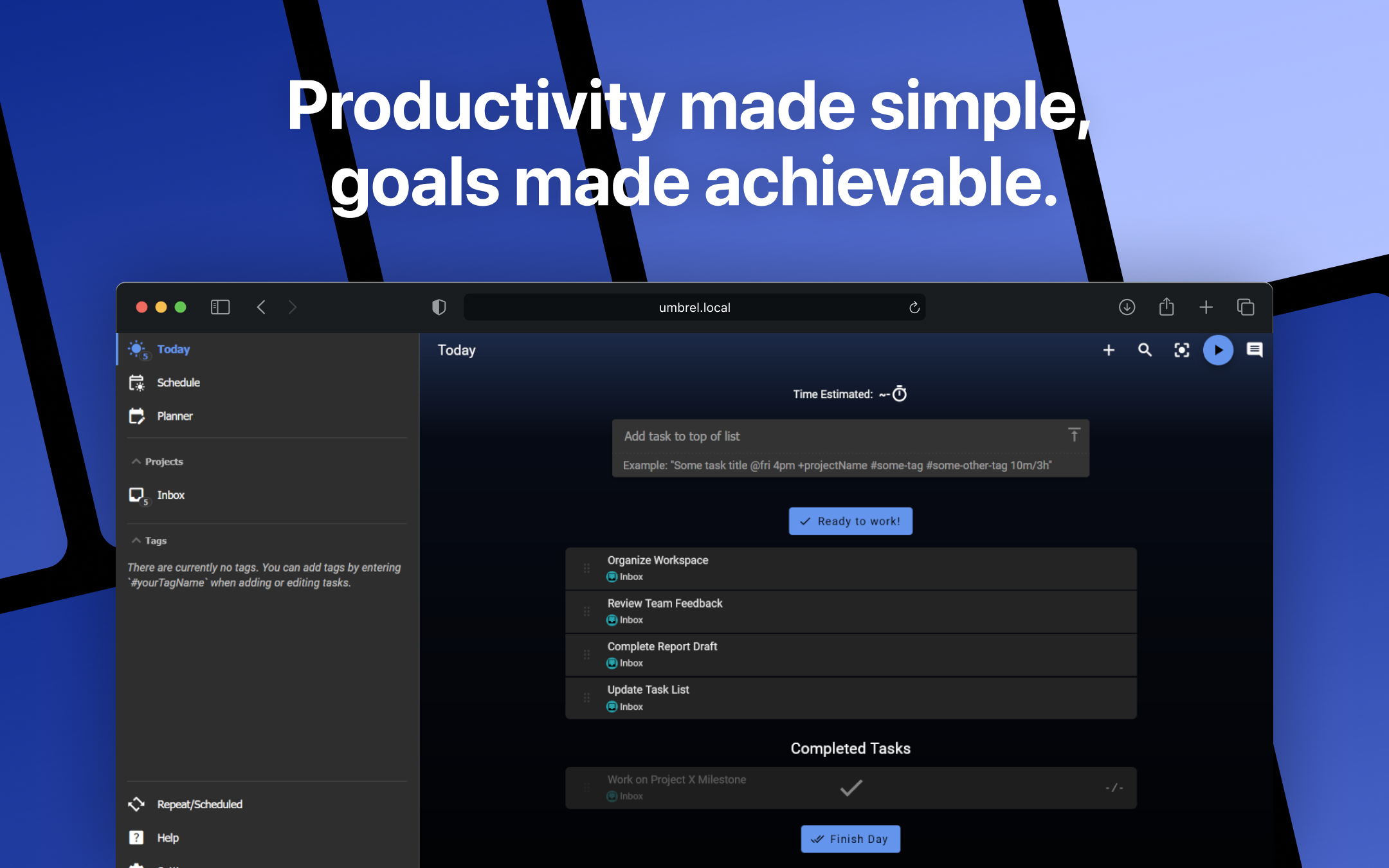
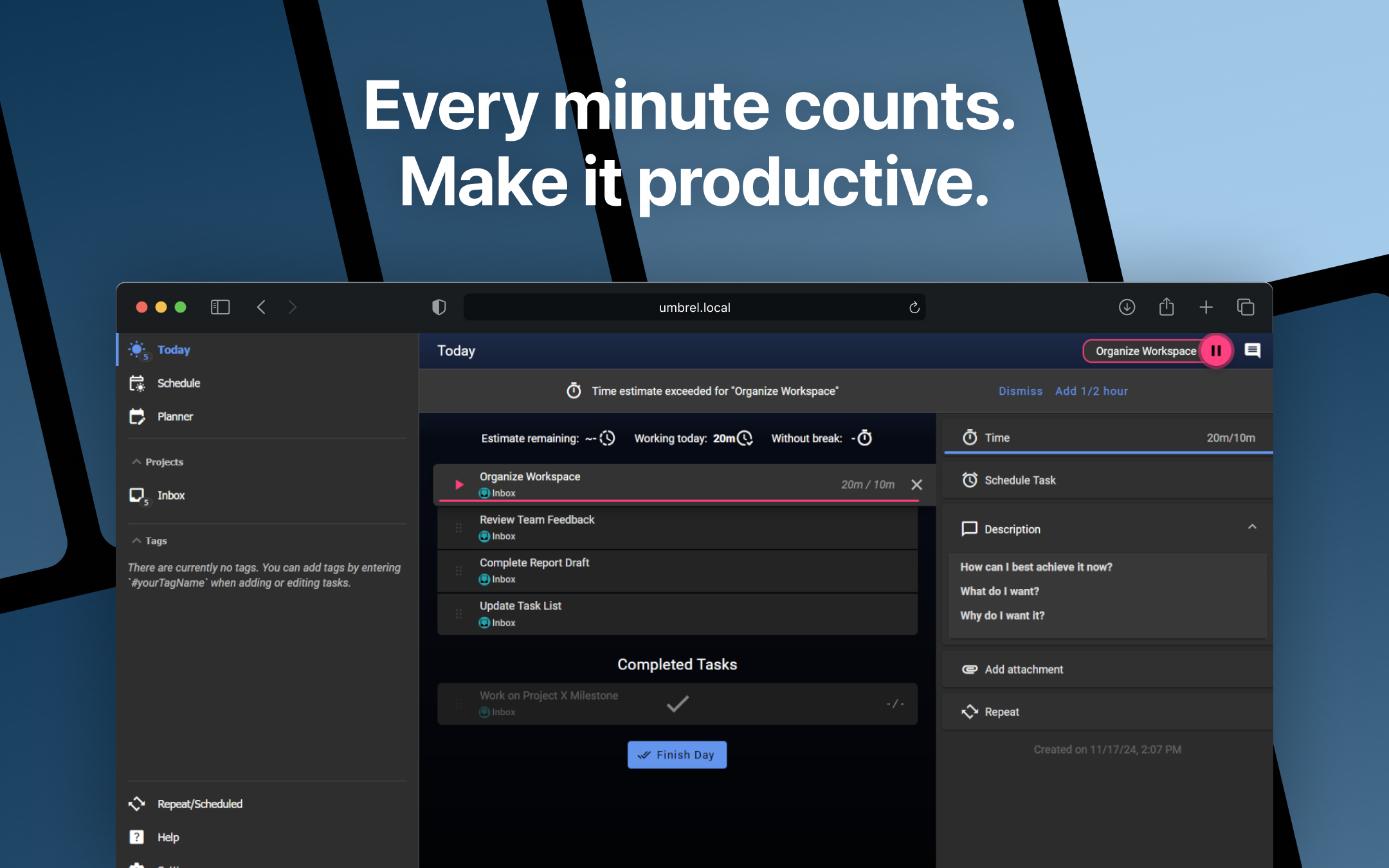
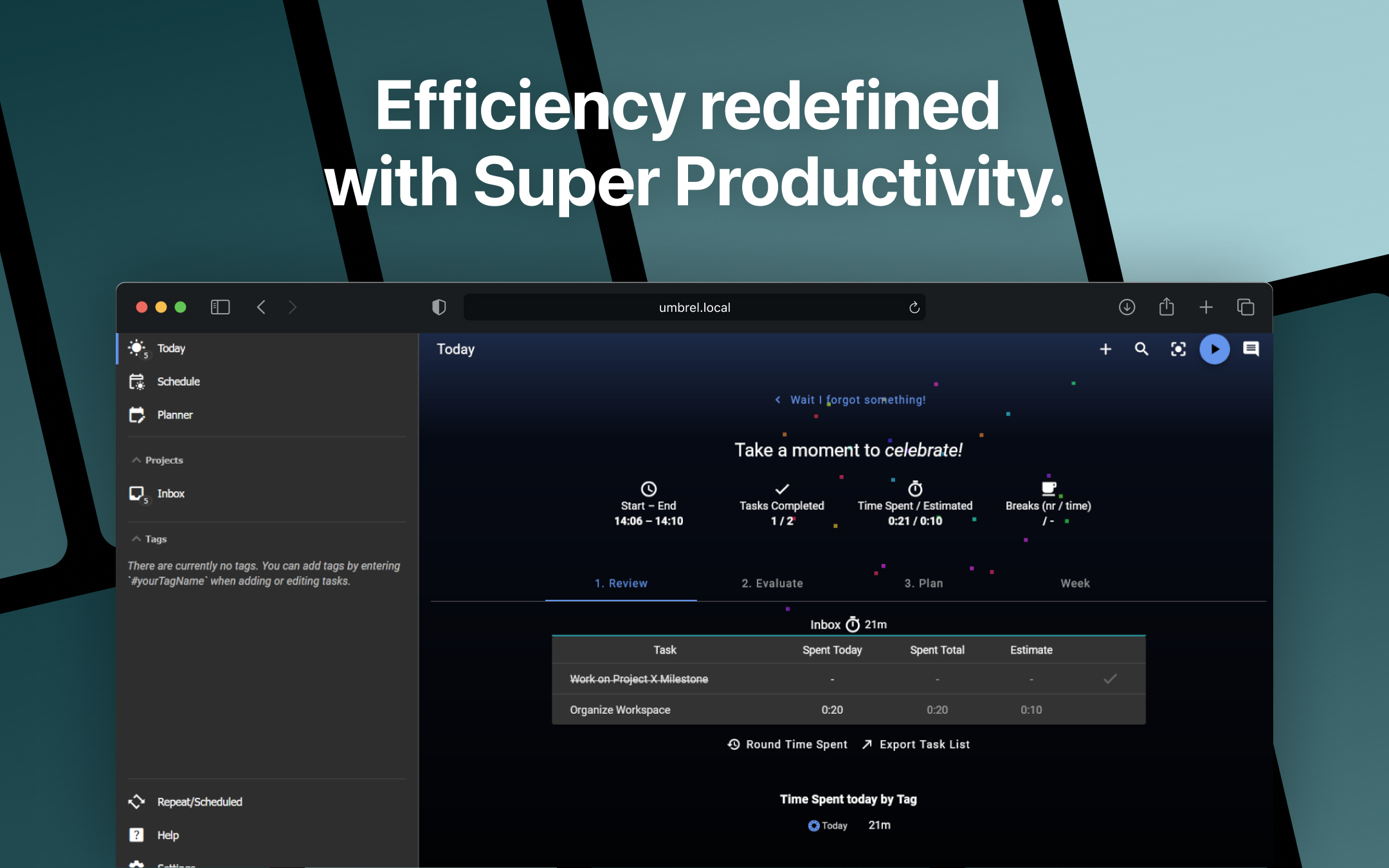
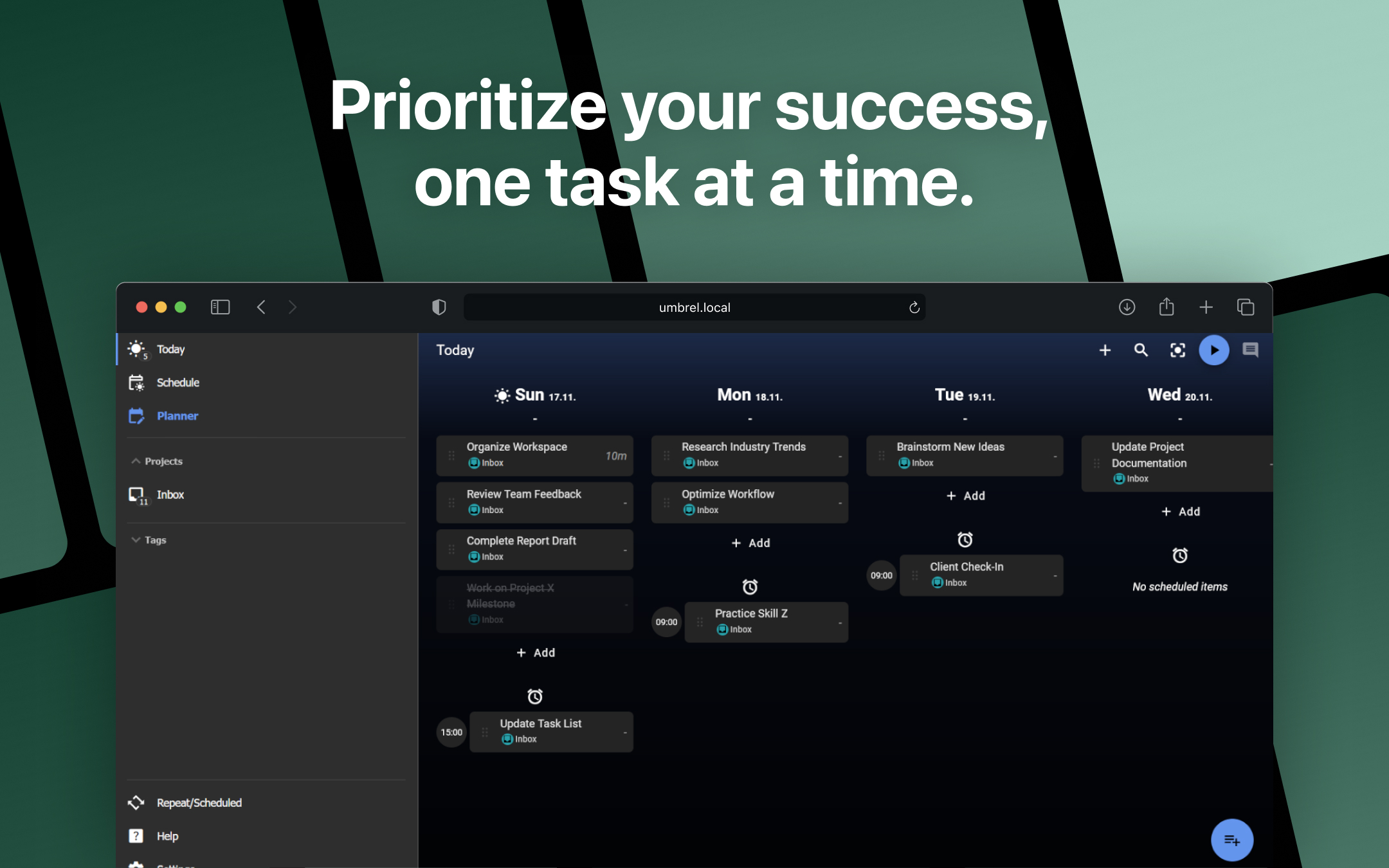
⚠️ By default, Super Productivity stores your data (like tasks and settings) in the browser on the device you're using to access it. This means your data stays tied to that browser and device and it won't automativelly sync elsewhere and could be lost if you clear your browser data or use a different device. ⚙️ To save and sync your data across devices, you can go to the in-app settings and connect to Dropbox or a custom WebDAV server such as Nextcloud. Super Productivity is a comprehensive, open-source productivity app tailored to help individuals and teams organize their work with ease. Ideal for developers, project managers, freelancers, and anyone seeking a streamlined approach to task and time management, this tool combines essential features in one intuitive platform. With Super Productivity, users can create detailed to-do lists, manage tasks within projects, and track progress efficiently. You can easily prioritize tasks, set deadlines, and track your productivity with built-in time tracking features. Whether you're working on a single project or juggling multiple tasks, this app allows you to stay organized and on top of your work. Key features include: 📅 Task and Project Management: Create, organize, and prioritize tasks. Group them into projects, assign due dates, and monitor completion status. 🕒 Time Tracking: Log work hours directly within the app to gain insights into how your time is spent. You can also track your productivity with the Pomodoro timer or manual time entries. 🔗 Super Productivity integrates with popular tools like Jira, GitHub, and GitLab, so you can import tasks and manage them without leaving your workflow. 📊 Reports and Analytics: Generate time reports to analyze how much time you've spent on tasks and projects, helping you make data-driven decisions about your work habits. 📴 Offline Mode: The app works offline, meaning you can continue managing your tasks and tracking time even without an internet connection. 🛡️ Privacy and Data Security: As an open-source app, Super Productivity ensures that your data remains private and is stored locally, providing a secure and customizable solution for your productivity needs. Super Productivity is designed for those who want to boost their productivity while maintaining control over their data. It's perfect for individuals who prefer a simple yet powerful tool, and teams that need seamless task and project management without relying on complex software. Available for Windows, macOS, Linux, and as a web app, Super Productivity is a versatile tool that fits into your workflow, whether you're working solo or collaborating with others.
Release Notes
This update includes new features, improvements and bug fixes: - Fixed default first day of week to Monday following ISO 8601 standard - Fixed start page setting not being applied on Android - Fixed issue where changing quick repeat settings would lose the original start date - Fixed default reminder setting not being respected when drag-scheduling tasks - Fixed timezone corruption issue with timed due dates - Improved handling of all-day events from iCal calendars - Fixed title bar button colors to match app theme on desktop - Fixed forced X11 mode issue on Linux - Fixed cold start sharing issues on Android - Fixed minimize to tray not working immediately after enabling on desktop - Fixed custom pomodoro settings not being applied on startup - Fixed idle time dialog switching between two different timers - Fixed abnormal behavior when inline scheduling overdue tasks - Fixed motivational images breaking settings persistence - Fixed plugin panel resizing not working over plugin iframe - Improved duplicate project feature - Added sharing functionality with attachment support on Android - Added new automation plugin with rule management, conditions, actions, and triggers - Added automation rule import and export functionality - Added time-based triggers for automation - Added webhook support for automation actions - Added duplicate project option - Added custom window title bar for desktop - Migrated encryption to argon2id for improved security - Improved error handling for WebDAV HTML responses Full release notes are found at https://github.com/johannesjo/super-productivity/blob/master/CHANGELOG.md