Stirling PDF
Merge, split, rotate, and convert PDFs with ease
Screenshots
About
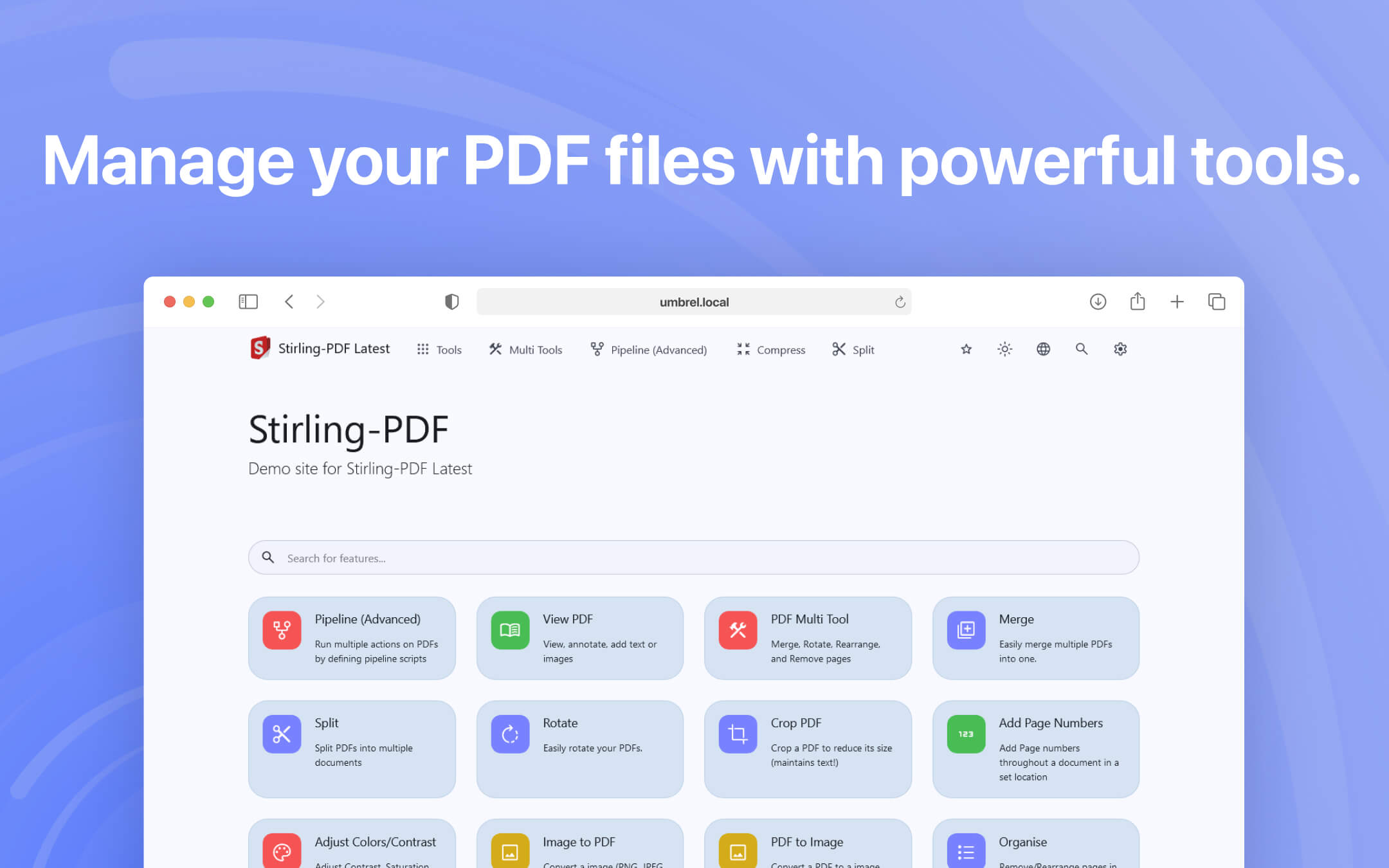
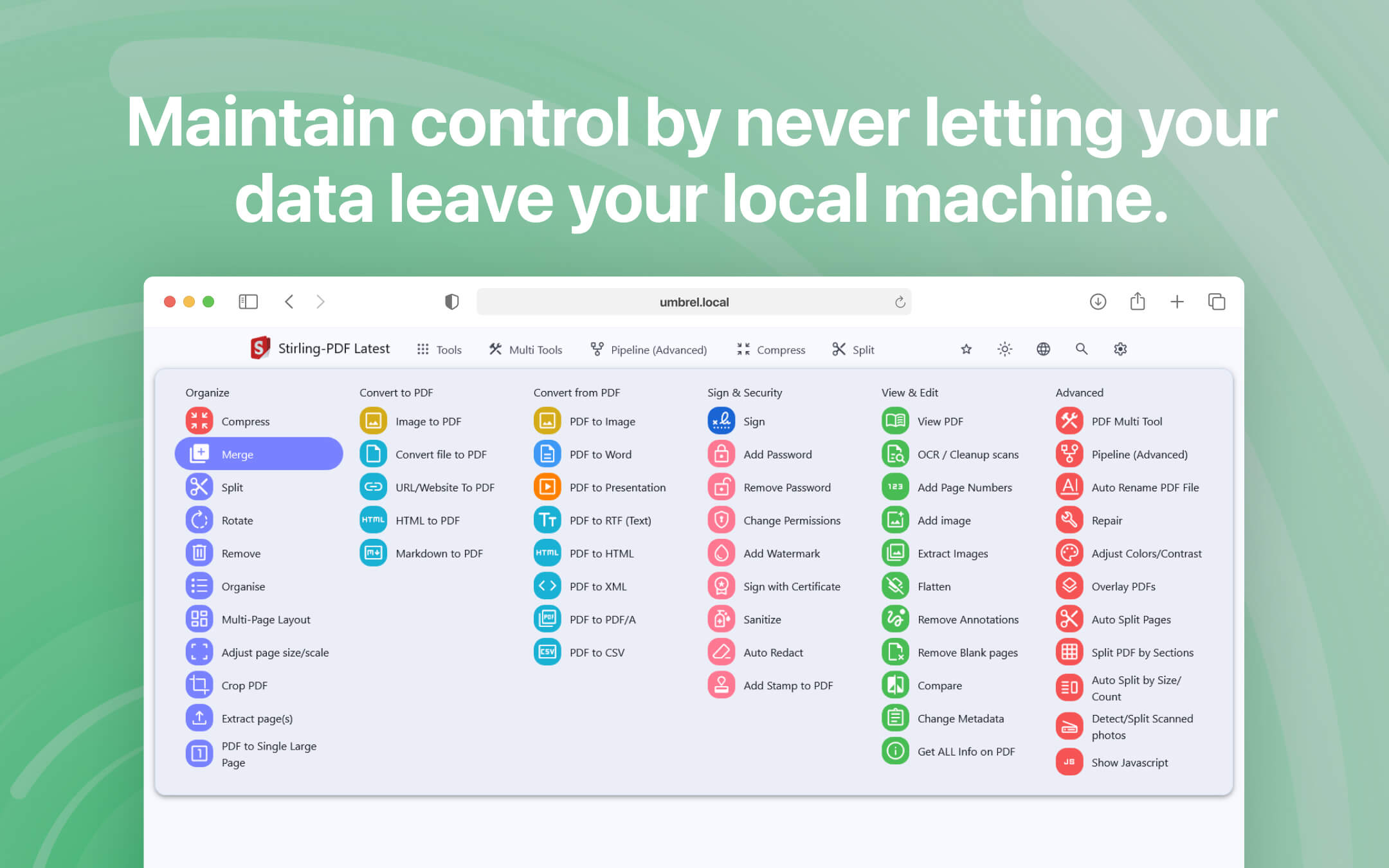
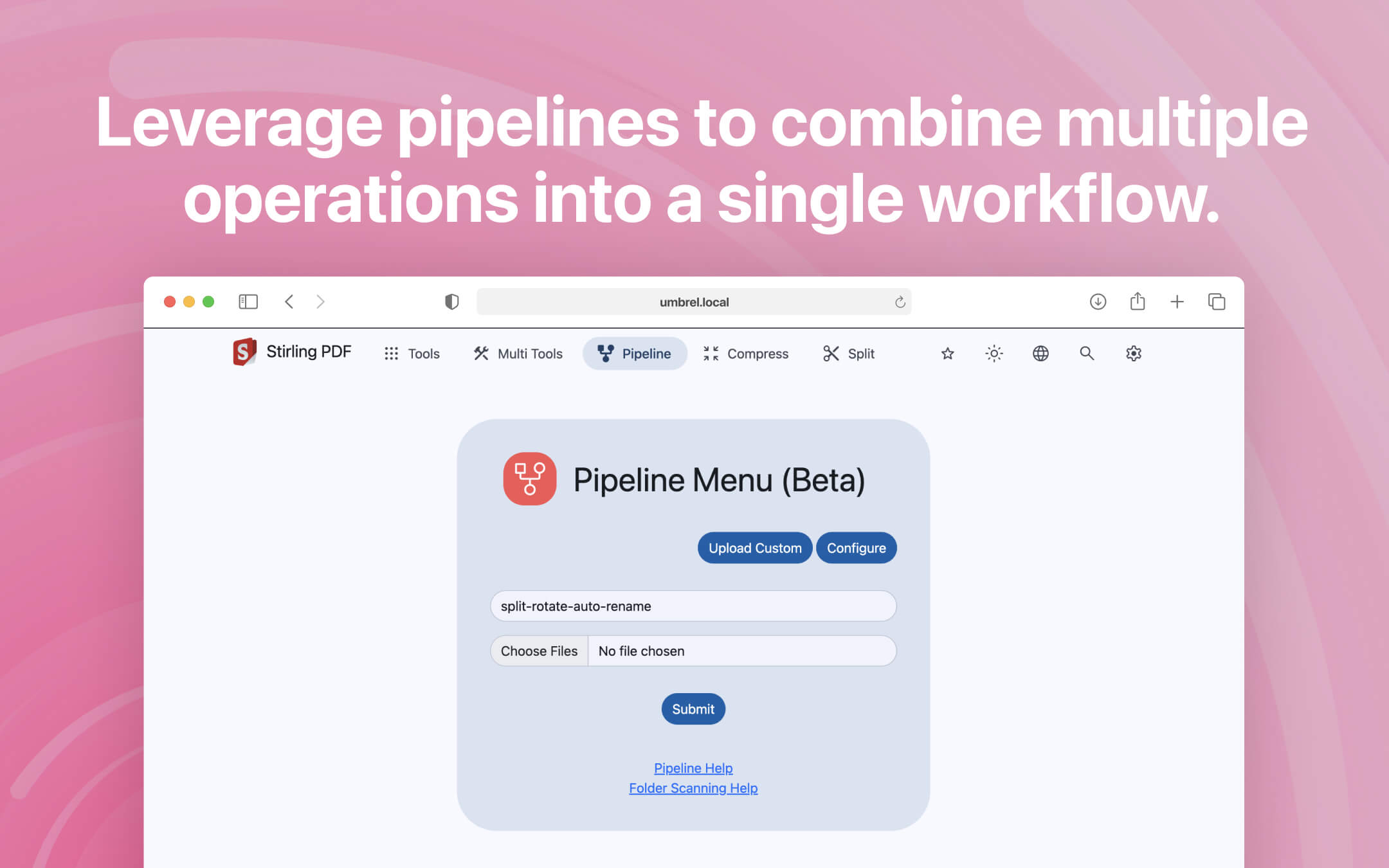
Stirling PDF is a robust, locally hosted web-based PDF manipulation tool that offers a comprehensive set of features to address all your PDF requirements. It allows you to perform various operations on PDF files, including splitting, merging, converting, reorganizing, adding images, rotating, compressing, and more. All operations are performed locally, ensuring the utmost privacy and security of your files. ⚠️ Note After installation, Stirling PDF takes a few minutes to start up. Please be patient and wait for the app to download packages and fonts. 📄 Page Operations Stirling PDF provides a full interactive GUI for merging, splitting, rotating, and moving PDFs and their pages. You can view and modify multi-page PDFs with custom viewing, sorting, and searching options. On-page edit features like annotation, drawing, and adding text and images are also available. You can also reorganize PDF pages into different orders, rotate PDFs in 90-degree increments, and remove pages. 🔄️ Conversion Operations Convert PDFs to and from images, convert any common file to PDF, and convert PDF to Word, PowerPoint, and other formats. You can also convert HTML, URLs, and Markdown to PDF. 🛡️ Security & Permissions Add and remove passwords, change or set PDF permissions, add watermarks, certify or sign PDFs, sanitize PDFs, and auto-redact text for enhanced security. 🛠️ Other Operations: Add, generate, or write signatures, repair PDFs, detect and remove blank pages, compare two PDFs and show differences in text, add images to PDFs, compress PDFs to decrease their filesize, extract images from PDF, add page numbers, perform OCR on PDF, convert PDF/A, edit metadata, flatten PDFs, and get all information on a PDF to view or export as JSON.
Release Notes
⚠️ This update contains a lot of breaking changes, make sure to have a backup of your configuration before updating. This release introduces major new features, a new UI and important bug fixes: - Enjoy a brand new, faster, and polished user interface that makes switching between tasks easier - Reuse uploaded files for multiple operations without needing to re-upload them - Benefit from undo, redo, and a complete version history for all your changed files - Access native desktop applications with full "open with" functionality, making it a true desktop replacement for other PDF apps - Admins can now customize all system settings directly from within the UI, removing the need to edit server configuration files - Experience a hybrid setup with desktop-to-server linkage, combining a desktop experience with server performance - Basic PDF text editing is now available as an early-access alpha feature for paid users, with improvements planned for the future - Added the ability to save signatures to the server (if login is enabled) or browser storage (if login is disabled) - Fixed links displaying incorrectly in the PDF viewer - Resolved an issue where the OCR tool was not correctly showing languages - Fixed SMTP non-authentication not working - Addressed Swagger access issues Full release notes are found at https://github.com/Stirling-Tools/Stirling-PDF/releases