
OpenResty Manager
Expose your services easily and securely
Screenshots
About
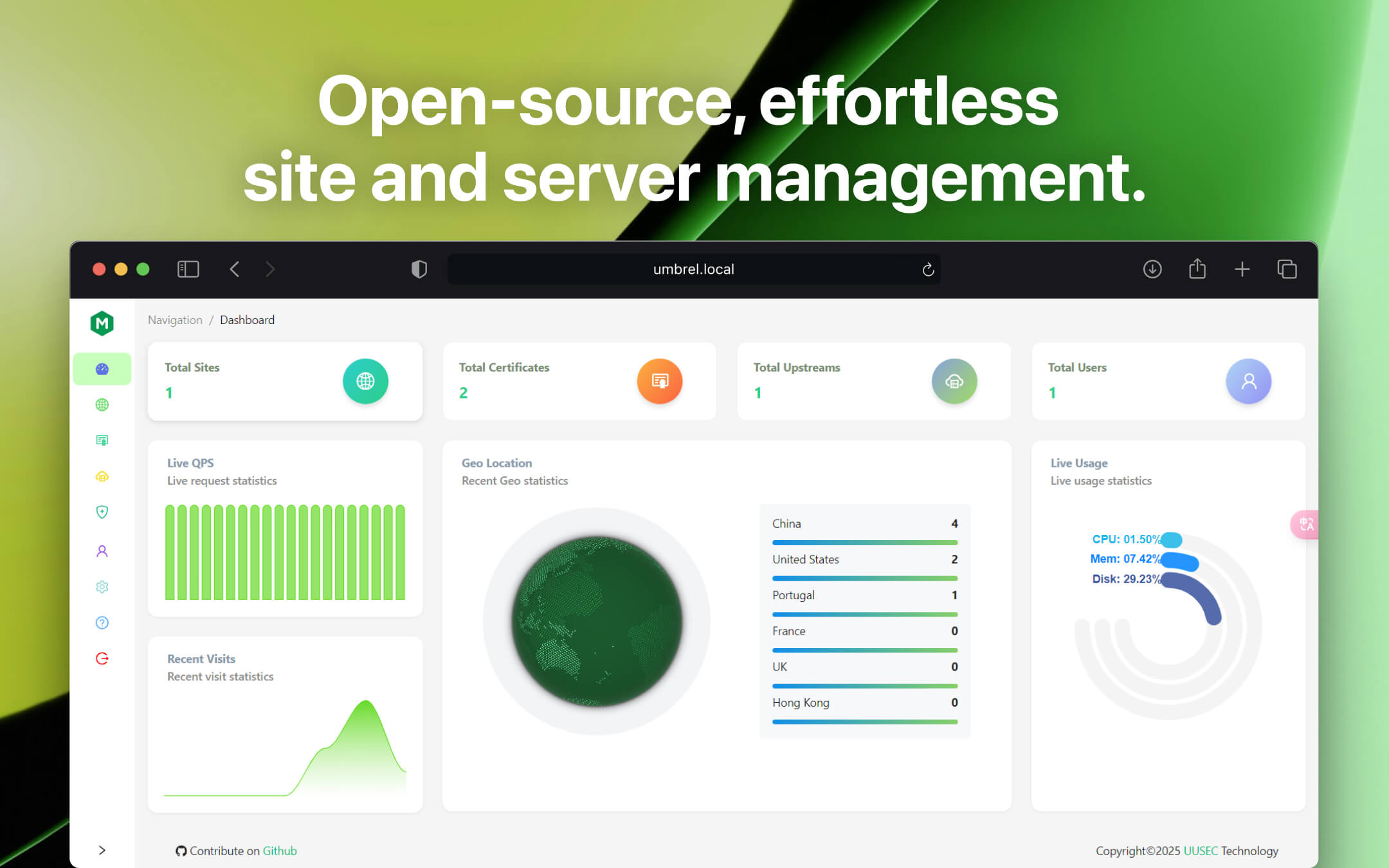
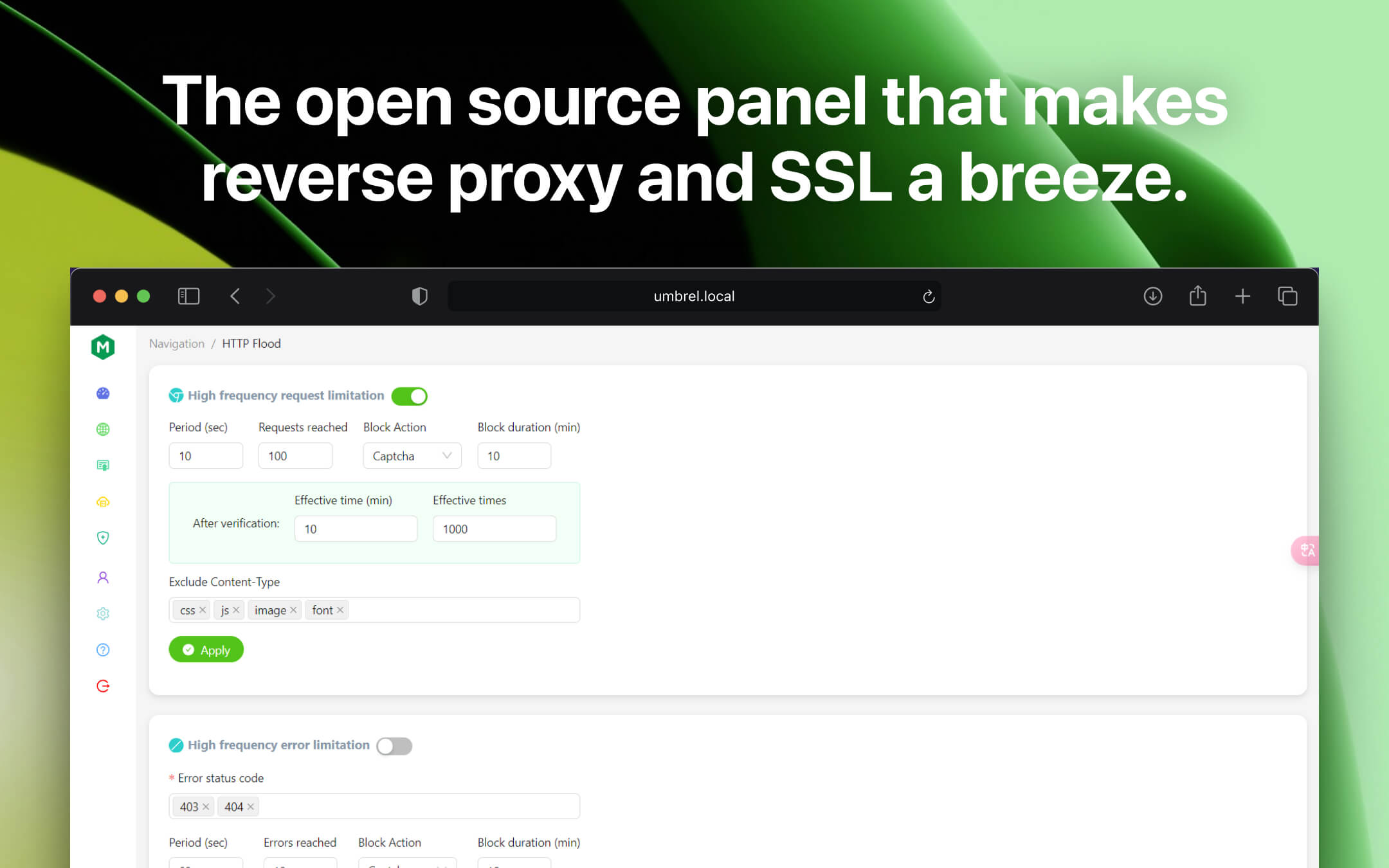
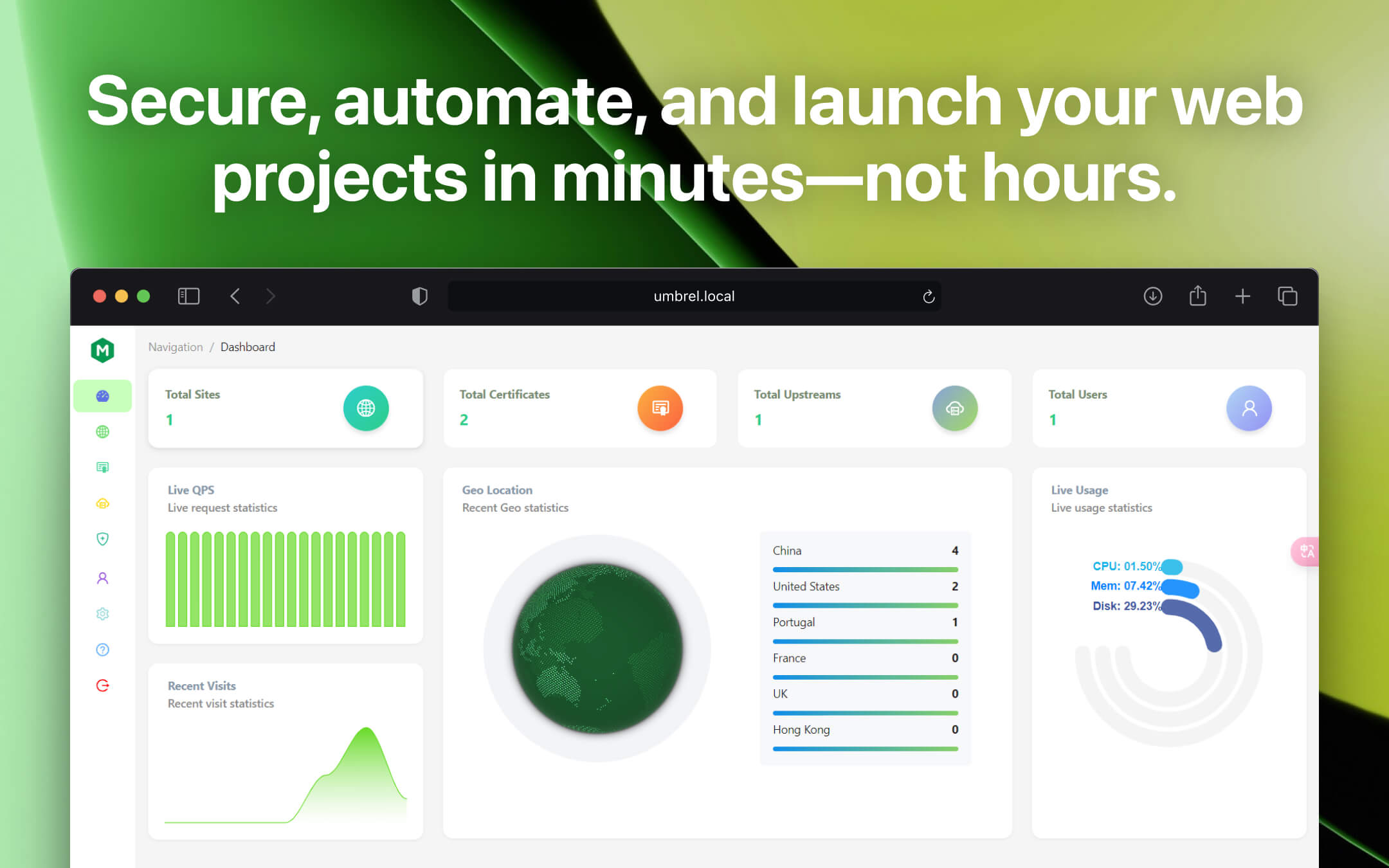
Expose your apps to the internet easily and securely. ⚠️ Be cautious when exposing apps to the public internet. Ensure they have proper security, such as login protection, and avoid exposing sensitive apps without adequate safeguards. 🔧 OpenResty Manager uses port 3080 for HTTP (unsecured) traffic and port 3443 for HTTPS (secured) traffic. To make your apps accessible from the public internet, you will need to set up port forwarding on your router. Forward external port 80 (HTTP) to internal port 3080 and external port 443 (HTTPS) to internal port 3443. 🔍 Features: - Provide a beautiful, powerful, and easy-to-use web management UI - Free SSL support both for HTTP-01 and DNS-01 challenge or provide your own SSL certificates - Powerful security features, such as access control, denial-of-service attack protection, identity authentication - Simplify host management, include UI frendly terminal and file manager for users - Support application store, greatly reducing the difficulty of website building and container management
Release Notes
New features and improvements in this release: - Enabled different users to manage only their own sites - Fixed issues with search engine verification failures and automatic renewal of free certificates - Fixed an issue where SQL initialization failures occurred Full release notes: https://github.com/Safe3/openresty-manager/releases