Calibre Web
A clean web app for your eBooks
Screenshots
About
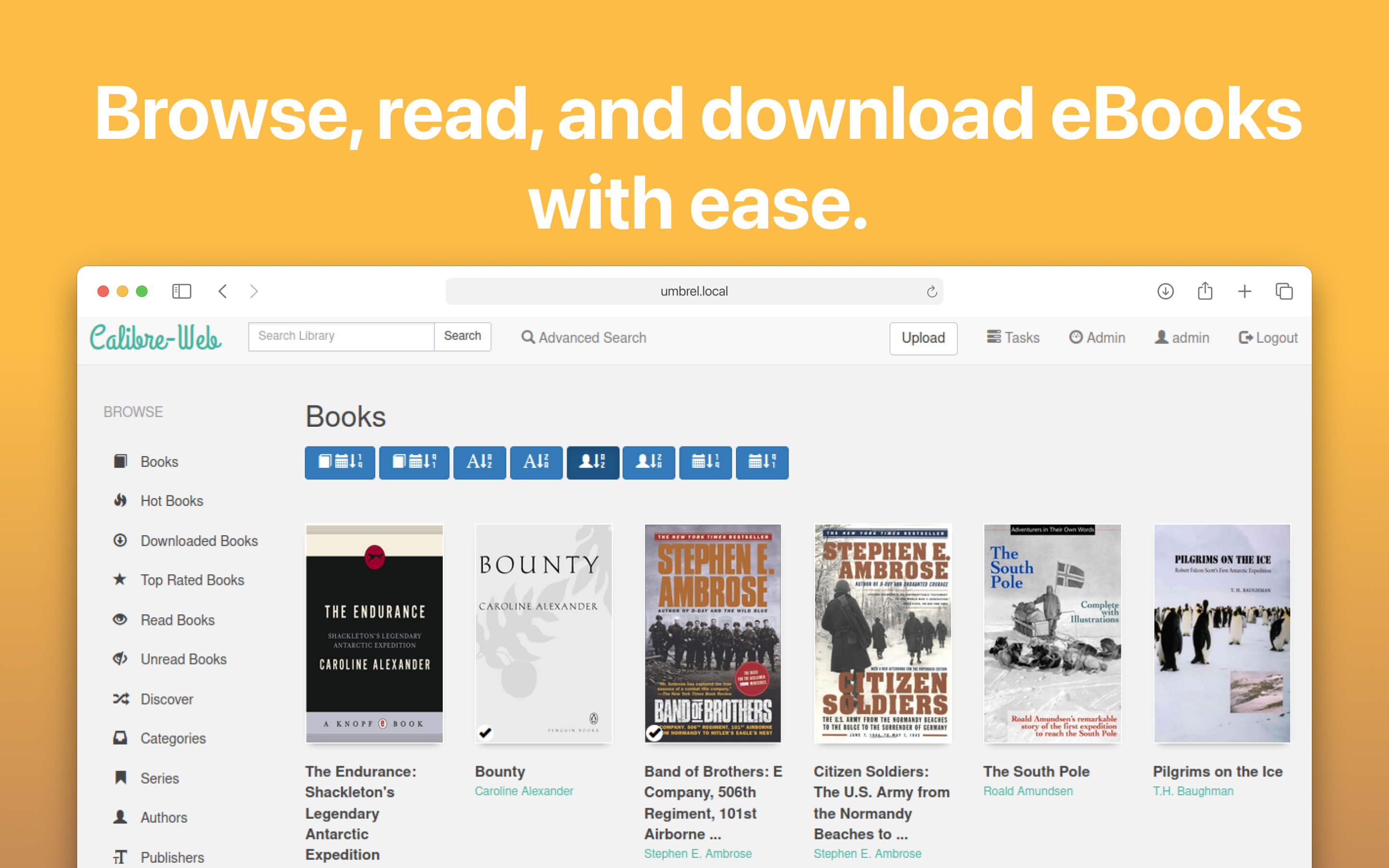
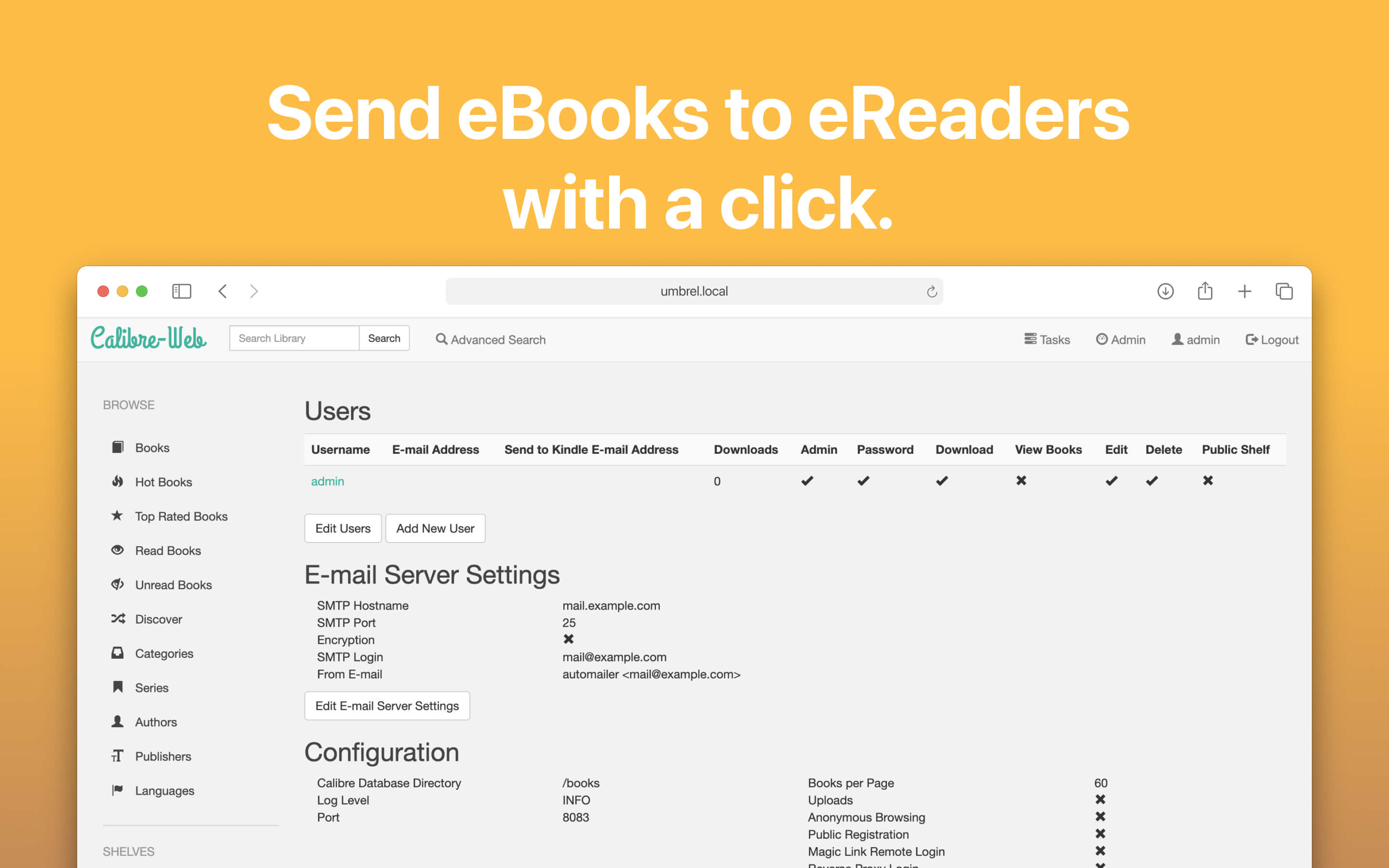
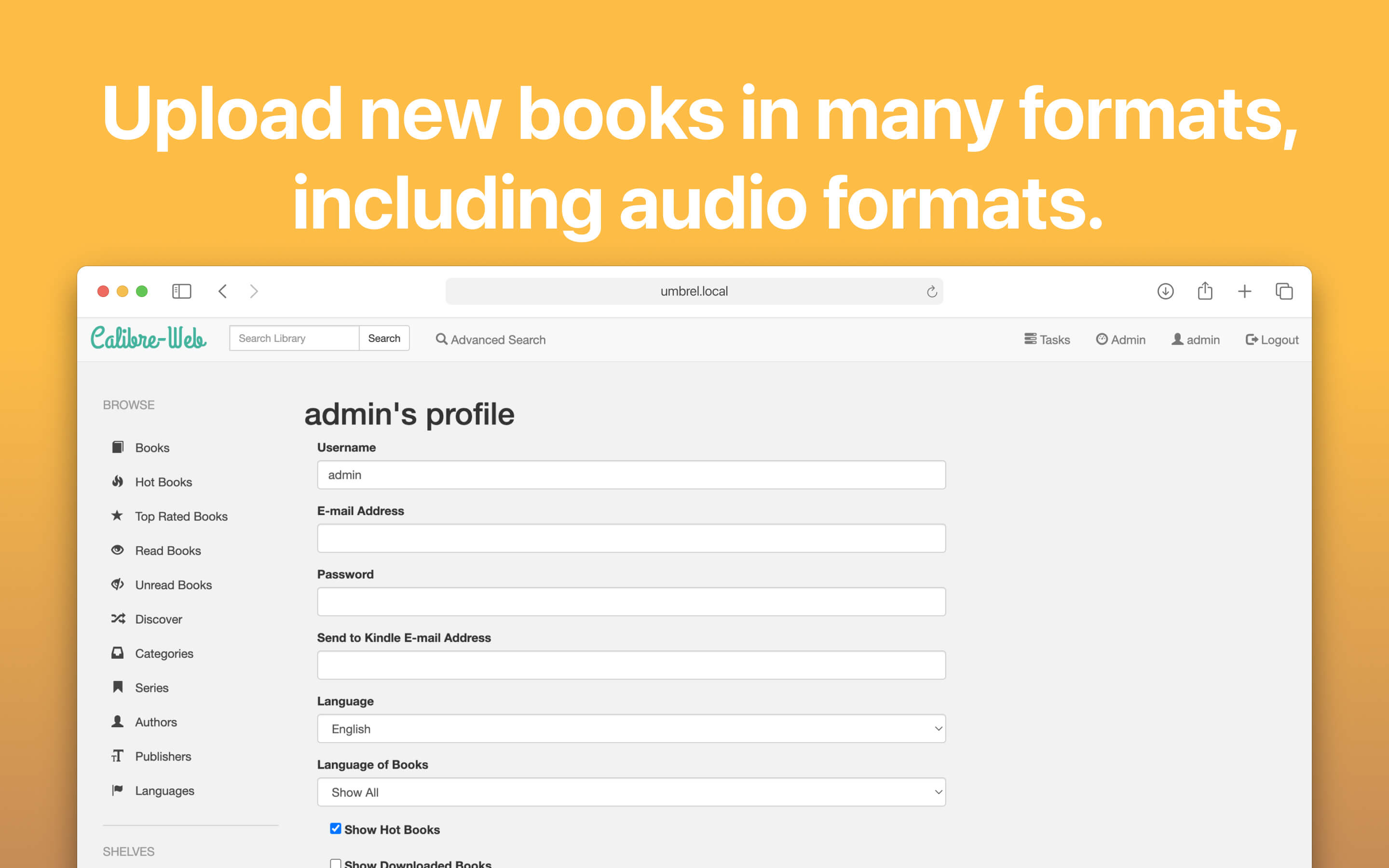
Calibre-Web is a web app providing a clean interface for browsing, reading and downloading eBooks using an existing Calibre database. It is also possible to integrate google drive and edit metadata and your calibre library through the app itself. 🛠️ SET-UP INSTRUCTIONS - Library Setup: On the initial setup screen, enter /books as your calibre library location. - Uploading eBooks: If you wish to enable the upload feature, navigate to Admin > Edit Basic Configuration > Feature Configuration and toggle "Enable Upload". - Documentation: It is recommended to read through the official documentation available at https://github.com/janeczku/calibre-web/wiki
Release Notes
This update includes several new features and improvements: - Enhanced metadata extraction for audio files during upload - Improved PDF viewer functionality - Better shelf sorting capabilities - Improved contrast for epub reader in dark modes - Support for multiple e-reader email addresses - Enhanced whitespace handling and string formatting - Improvements to Kobo sync and browser experience - Various bug fixes and stability enhancements - Better support for Windows installations Full release notes can be found here: https://github.com/janeczku/calibre-web/releases